
How a broadcast list works (and what WhatsApp doesn't tell you)
The broadcast list is WhatsApp's most powerful feature for sellers: you write once and each recipient gets the message in an individual chat, as if it were written just for them. Unlike a group, nobody sees the other participants, and replies come in private. For offers, restock alerts and follow-ups, nothing beats it.
What WhatsApp doesn't make clear in the interface is the delivery condition. You add the 200 contacts, the app says "sent"… and a big share of the list never receives anything. No error, no warning, no failure signal.
The silent rule: it only reaches people who saved your number
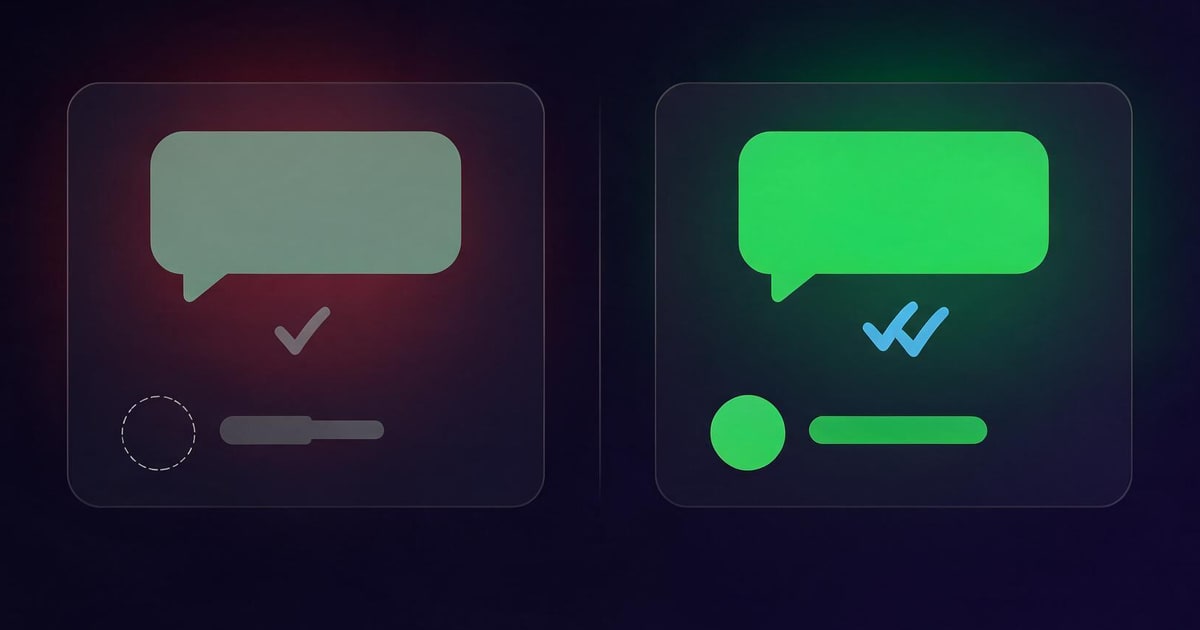
Broadcast delivery follows one simple, ruthless rule: the message is only delivered if the recipient has YOUR number saved in their address book. It's WhatsApp's own anti-spam filter — and it doesn't ask, notify or report.
In practice, reach improves from both sides: when you also save your customers' numbers, they join your lists, show up with names, and your Status becomes visible to them. A base saved on both sides is what separates a broadcast that sells from a broadcast that talks to itself.
2-minute diagnosis: is your list being delivered?
- Ask a recent customer (who never saved your number) whether they got your last blast. If they didn't, you found the problem.
- Compare Status views with the size of your base. Status seen by 12 people out of a 500-contact base? Clear sign of an empty address book.
- Check the ticks: a delivered broadcast message shows the usual ✓✓ in the individual chat. If the chat doesn't even exist, there was no delivery.
The fix at scale: save the whole base at once
Saving contact by contact works — in theory. With 300, 500, 1,000 customers, it's a multi-day project nobody finishes. The practical way is to treat the base as a whole:
- Export every contact from your WhatsApp Web with the WAzap extension: chats, groups and Business labels, all in one CSV with one click. Full walkthrough in the export tutorial.
- Import the CSV into Google Contacts (contacts.google.com, same Google account as your phone). The address book syncs by itself — hundreds of contacts saved at once. Got a TXT list? Run it through our free TXT → CSV converter first.
- Rebuild your broadcast lists from the complete address book — now with names organized and real reach.
That exact process is what turned sales around in this story: how I increased my WhatsApp sales with a contact exporter extension.
Segmentation is what turns broadcasts into sales
- Customers who already bought: launches, restocks, referral programs.
- Leads who never closed: a special first-purchase condition.
- Group and community members: content + the occasional offer.
- WhatsApp Business labels: ready-made lists ("payment pending", "order delivered", "VIP").
Mind the limit: each list holds up to 256 contacts. With your base exported and organized, splitting into segmented lists takes minutes — and each segment gets a message that feels like a conversation, not a flyer.
Good practices (to keep being delivered)
- Sensible frequency: 1–2 broadcasts a week keep the list alive without becoming noise.
- Leave room for replies: end with a question ("want me to set one aside for you?") — replies create conversations, and conversations sell.
- Honor opt-outs: if someone asks out, remove them. Spam reports hurt the reach of your whole account.
Your broadcast only works with an up-to-date address book
WAzap exports every WhatsApp Web contact — groups and labels included — into a Google Contacts–ready CSV. Save the whole base at once and get delivered again.
Install WAzap on ChromeIf you are not using it yet, meet the WhatsApp contact extractor from WAzap: it exports and saves every WhatsApp Web contact at once, as a CSV ready for Google Contacts.
Frequently asked questions
Why isn't my broadcast list delivered?
Because broadcast messages only reach people who have your number saved in their address book. Without the saved contact, WhatsApp silently drops the delivery.
How many contacts fit in a broadcast list?
Up to 256 per list. For bigger bases, create several segmented lists — it's actually better for personalization.
Is a broadcast list the same as a group?
No. In a group everyone sees each other; in a broadcast each person receives individually and replies in private. For sales, broadcasts are more personal and more effective.
What if my contacts are stuck inside groups?
The most common case — and the easiest to fix: see how to export WhatsApp group contacts at once.