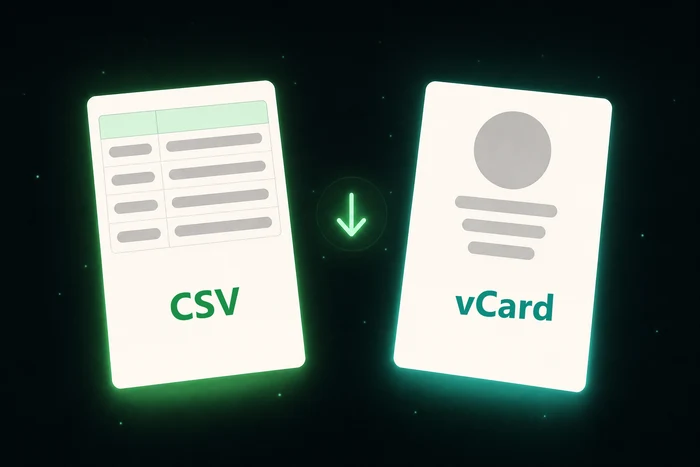
Fast & Easy
Extract hundreds of contacts in seconds, with just 1 click.
Save all your WhatsApp contacts in seconds. Generate a CSV ready for Google Contacts. No manual spreadsheets, no hassle.
▶ Ver a animação de 4 passos (30s)
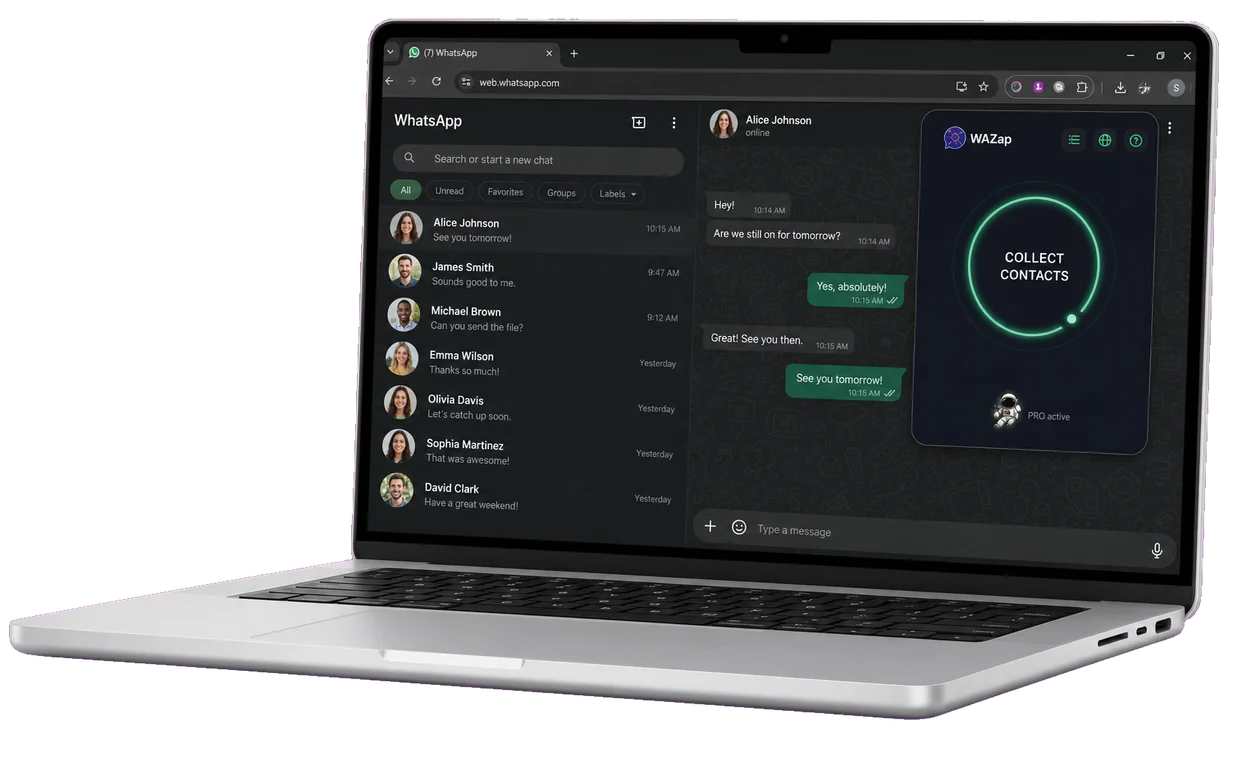


Extract hundreds of contacts in seconds, with just 1 click.
CSV or vCard. Import directly to Google Contacts or your CRM.
Your data never leaves the browser. Total privacy guaranteed.
Our team is ready to help whenever you need.
From WhatsApp Web to an organized spreadsheet in seconds. No setup, no hassle.
Go to the Chrome Web Store, search for "WAzap" and click "Add to Chrome". In seconds the extension is ready to use.

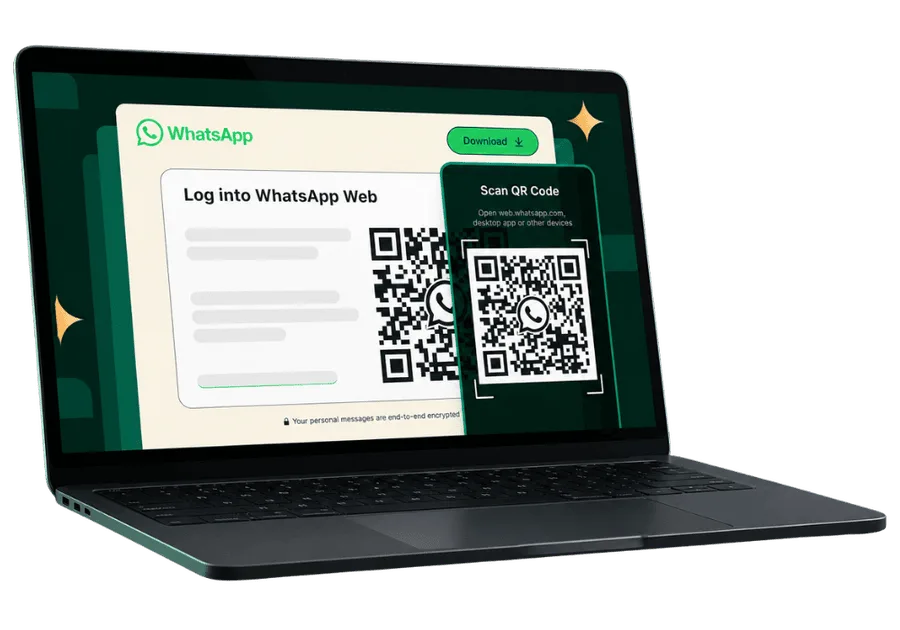
Go to web.whatsapp.com, log in normally and wait for your contacts to load on screen.
You can use WAzap in individual chats, groups or lists. Just have WhatsApp Web open.
The extension automatically detects the visible contacts and generates an organized CSV with names and numbers.
See how WAzap is helping professionals save time and organize their contacts.

"I used to lose contacts every time I switched phones. With WAzap I exported thousands of WhatsApp Web contacts in minutes and organized everything into broadcast lists. My sales funnel now relies on this backup."
Online sales consultant
"Before I tried saving contacts one by one and never got it done. Now I export WhatsApp contacts to CSV, load them into Google Contacts and run targeted WhatsApp marketing campaigns without a headache."
Clothing store owner
"WAzap solved a huge problem for our company. We organized all WhatsApp Web contacts into a single file, integrated with our CRM and now no customer goes unanswered."
Customer support
"I use WAzap in every marketing campaign for my clients. I pull leads from groups and build lists in minutes. Highly recommended!"
Traffic ManagerUnlock the full potential of your WhatsApp with our affordable plans.
Great for trying the tool or running a short-term contact extraction campaign.
Less than $0.27/day.
Continuidade por 3 meses.
Just $0.22/day on the quarterly plan.
Para uso frequente.
Only $0.19/day on the semiannual plan.
Melhor custo-benefício.
Less than $0.17/day on the annual plan.
Quer economizar mais? Escolha um plano mais longo:
Secure payment by Stripe. Visa, Mastercard, Apple Pay and Google Pay.
Perfect for anyone working with WhatsApp who needs contact lists.
Build customer lists and grow sales.
Create segmented lists to promote.
Extract leads from groups.
Organize contacts and service.
Segmented data, faster delivery.
Beyond saving every contact at once, the extension has filters and formats most people never discover.
Catches everyone who has messaged you but never made it into your address book.
Pick a WhatsApp Business label and export just the contacts inside it.
Select a group and take only the members of that group.
Enter the area codes you care about and only numbers from those regions are exported.
CSV opens in Excel and imports into Google Contacts. vCard goes straight to the iPhone address book.
Set a prefix and every contact arrives already organised in your address book.
Get answers about how the WAzap extension works to save WhatsApp Web contacts, generate CSV and use in broadcast lists.
WAzap was built specifically for WhatsApp Web in a desktop browser. It is not a mobile app and does not change WhatsApp on your phone.
No. WAzap does not save message content. It only exports contact data (number, name and basics for the CSV).
Yes. You can export contacts from WhatsApp Web groups — perfect for segmented lists of clients, students and leads.
Yes. WAzap generates a CSV file compatible with Google Contacts and popular CRMs.
Yes. We do not send your contacts to external servers, we do not read messages and all processing happens locally in your browser.
It works on any computer with Chrome or a Chrome-compatible browser. No system installation needed.
There is a free tier with limits and paid plans for unlimited use and advanced features.
WAzap works in any country where WhatsApp Web is available. The interface is translated into 12 languages (Brazilian/European Portuguese, English, Spanish, French, German, Italian, Indonesian, Japanese, Chinese, Hindi and Arabic). Browser language is detected automatically and pricing is shown in local currency (BRL/USD/EUR/GBP/JPY/INR).
If you work in sales, customer service, support, or marketing, your WhatsApp contacts are your most valuable asset. But WhatsApp doesn't make things easy when it comes to exporting contacts in bulk.
WhatsApp doesn't export contacts natively. That means, without an extra solution, you're stuck inside the app — unable to migrate your data to a CRM, spreadsheet, or another phone.
Without saved contacts, broadcast lists simply don't work. If you lose your phone or get logged out of WhatsApp Web, you could lose every number you've built up over months or years.
Manually saving dozens, hundreds, or thousands of contacts is slow, exhausting, and unrealistic for anyone dealing with lots of customers every day.
Businesses, stores, and independent professionals lose customers every single day because they don't have an organized backup of their contacts. Working in sales demands contacts that are organized, up to date, and campaign-ready.
With the WAzap extension you can:
Follow this up-to-date step-by-step guide to download WhatsApp contacts in bulk in just a few minutes:
web.whatsapp.com on your computer and scan the QR Code with your phone to connect your session.contacts.google.com, click Import → Select file, and that's it: all your contacts sync to any phone signed in to the same Google account.This process replaces hours of manual work and is the go-to method for marketing, sales, and customer service professionals to build broadcast lists, import contacts into their CRM, and launch targeted WhatsApp campaigns.
Plenty of businesses lose money every day because WhatsApp has no native button to download contacts in bulk. Adding numbers to your phone's address book one by one is tedious, unproductive, and leaves room for human error (typing the wrong number, losing the lead, missing the follow-up).
The most efficient way — and the one recommended by digital marketing experts — to automate this bottleneck is using a WhatsApp Web contact extractor extension that runs right in your browser (Chrome, Edge, Brave, Opera). WAzap was engineered with safety in mind: it connects to the WhatsApp Web interface on your computer and intelligently maps every visible number across individual chats, groups, and Business labels, with no risk of getting banned because it never sends messages or triggers automated actions — it only reads the contacts visible locally.
If you work in sales, product launches, customer service, tech support, or marketing, you need speed to organize leads into segmented broadcast lists, import data into your CRM, or generate reports. WAzap delivers exactly that in seconds, eliminating manual spreadsheets and rework.
WAzap delivers a ready-to-use, formatted CSV table in the universal standard accepted by Google Contacts, Outlook, HubSpot, Pipedrive, RD Station, and every major CRM on the market.
To import into Google Contacts:
contacts.google.com in your browser. IMPORTANT: sign in with the same Google account used on the phone where the contacts should appear — that's the only way they'll sync to your device.You can also use the same CSV in email marketing tools, official WhatsApp marketing platforms (Cloud API), and sales automation software.
WAzap uses a smart multi-layer auto-detection system to serve the website, pricing, and checkout in your market's language and currency:
Accept-Language header)./en/, /es/, /fr/, /de/, /ja/, /zh/, /pt/, /ar/) override detection when the user opens a specific version directly.That means the site loads ready in the right language for anyone in the world: Brazilians see it in Portuguese with Pix; Europeans see it in German/French/Spanish with euros; Americans see it in English with dollars; and so on. All of this preserves global SEO indexing through hreflang tags in 11 variations (including x-default) and a unified sitemap.