
The scenario: lots of chats, little repeat business
If you sell on WhatsApp, this routine will sound familiar. A customer messages you, asks for a price, buys (or doesn't) — and the conversation dies right there. The next week you launch a promo, build a beautiful broadcast list, hit send to everyone… and the silence is embarrassing. Two or three replies, tops.
That was exactly my case. I managed the WhatsApp of a store with a decent volume: around 500 active conversations between old customers, curious leads and members of deal groups. On paper, an excellent base. In practice, an invisible one.
The discovery: the saved-contact rule
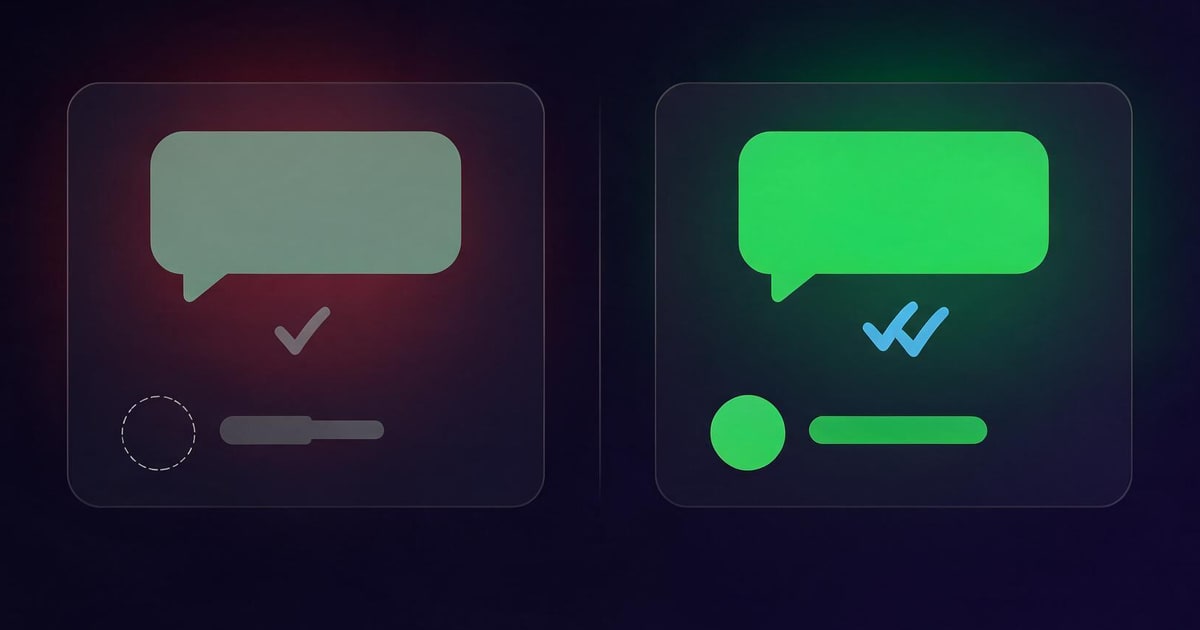
One day, testing with a friend's phone that had never saved my number, it clicked. The promo I had blasted through my broadcast list simply never arrived for him. No error, no warning — the message just wasn't delivered.
It's a rule of WhatsApp itself: broadcast list messages are only delivered to people who have YOUR number saved — and in practice, reach improves dramatically when you also have their numbers saved in your address book. The same goes for Status: people who aren't in your contacts rarely see it. In other words: I talked to hundreds of people a month, but to WhatsApp most of them were strangers.
Want the full mechanics? I wrote a dedicated guide: why your WhatsApp broadcast list isn't delivered (and how to fix it).
The real problem: saving 500 contacts by hand is impossible
The fix seemed obvious: save everyone to the address book. But anyone who has tried knows the size of that hole. Open each chat, copy the number, create the contact, type the name… about 30 seconds per contact at best. For 500 contacts, that's over 4 hours of manual typing — not counting groups, where most numbers don't even show up as chats.
That's where the game changed: using a WhatsApp Web contact exporter extension. In my case, WAzap, which runs right inside WhatsApp Web on Chrome.
The process I used (and still use)
1. Export everything at once
With WhatsApp Web open, the extension scans your chats, groups and WhatsApp Business labels and collects the name + number of everything visible — including those group numbers you never saved. In under a minute I had a CSV with the entire base. The detailed walkthrough is in our guide on how to export WhatsApp Web contacts.
2. Import into Google Contacts
The CSV comes ready for Google Contacts: open contacts.google.com with the same Google account as your phone, click "Import" and done — within minutes your phone's address book syncs by itself, with every customer named and organized. (Got a TXT list? Convert it with our free TXT to CSV converter.)
3. Rebuild the broadcast lists
With a complete address book, I rebuilt my broadcast lists segmented: customers who already bought, leads from groups, people who asked but never closed. Now, finally, the messages arrived.
What changed in sales
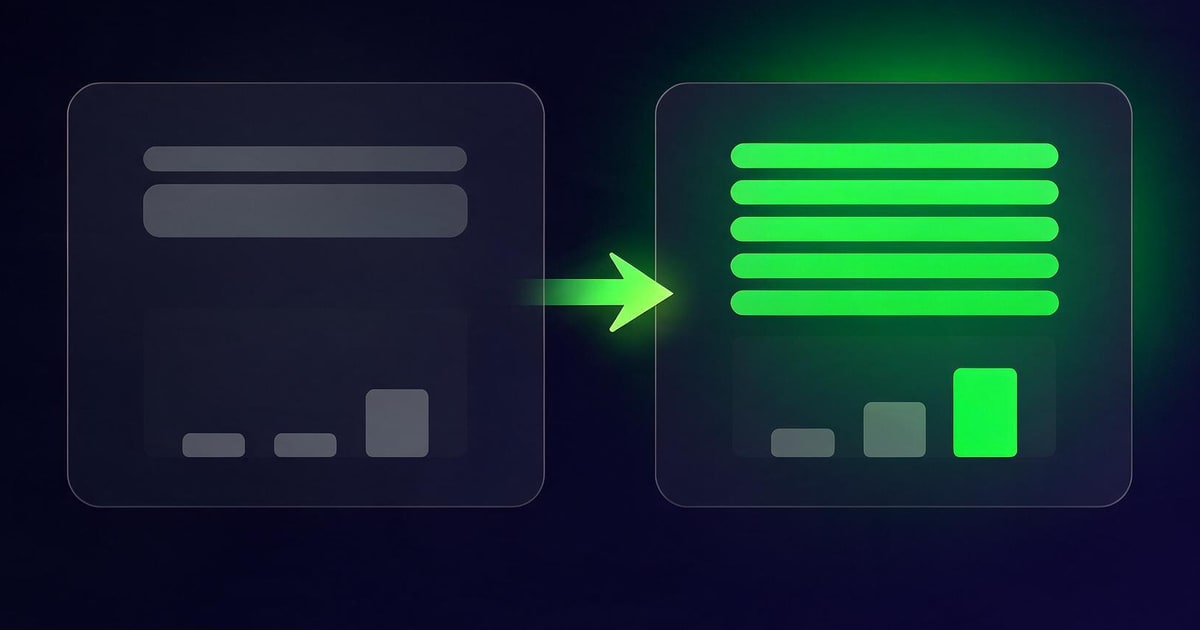
- Real campaign reach. The same list that used to get a handful of views started delivering to nearly the whole base — because now the numbers were saved on both sides of the rule.
- Status became a storefront. Posting products on Status started generating spontaneous replies ("still available?", "how much?") from people I'd forgotten were in the base.
- Repeat purchases. A customer who buys once and disappears is money left on the table. With an organized, named base, "we miss you" campaigns and restock alerts became trivial.
- A real backup. Phone broke? SIM cloned? The whole base lives in Google Contacts and in a stored CSV. The business's most valuable asset no longer lives in a single device.
The short version, step by step
- Install the WAzap extension from the Chrome Web Store;
- Open web.whatsapp.com and scan the QR code;
- Click the WAzap icon and hit Collect Contacts (chats, groups and labels);
- Download the CSV and import it at contacts.google.com (same account as your phone);
- Build segmented broadcast lists and show up on your customers' Status again.
If your base is locked inside groups, see also: how to export WhatsApp group contacts at once.
Your customer base already exists. It's just invisible.
WAzap exports every contact from your WhatsApp Web in one click — groups and labels included — and generates a Google Contacts–ready CSV. 100% local processing, in your browser.
Install WAzap on ChromeIf you are not using it yet, meet the WhatsApp contact extractor from WAzap: it exports and saves every WhatsApp Web contact at once, as a CSV ready for Google Contacts.
Quick questions
Do I have to save contacts one by one after exporting?
No. The CSV imported into Google Contacts saves everyone at once, and your phone's address book syncs automatically.
Does it work with WhatsApp Business?
Yes — including Business labels, which become an excellent way to segment your broadcast lists.
Is this risky for my account?
Collection happens locally in your browser, reading what's already visible on your screen — no bulk-sending bots, no external servers, no changes to how WhatsApp works.